
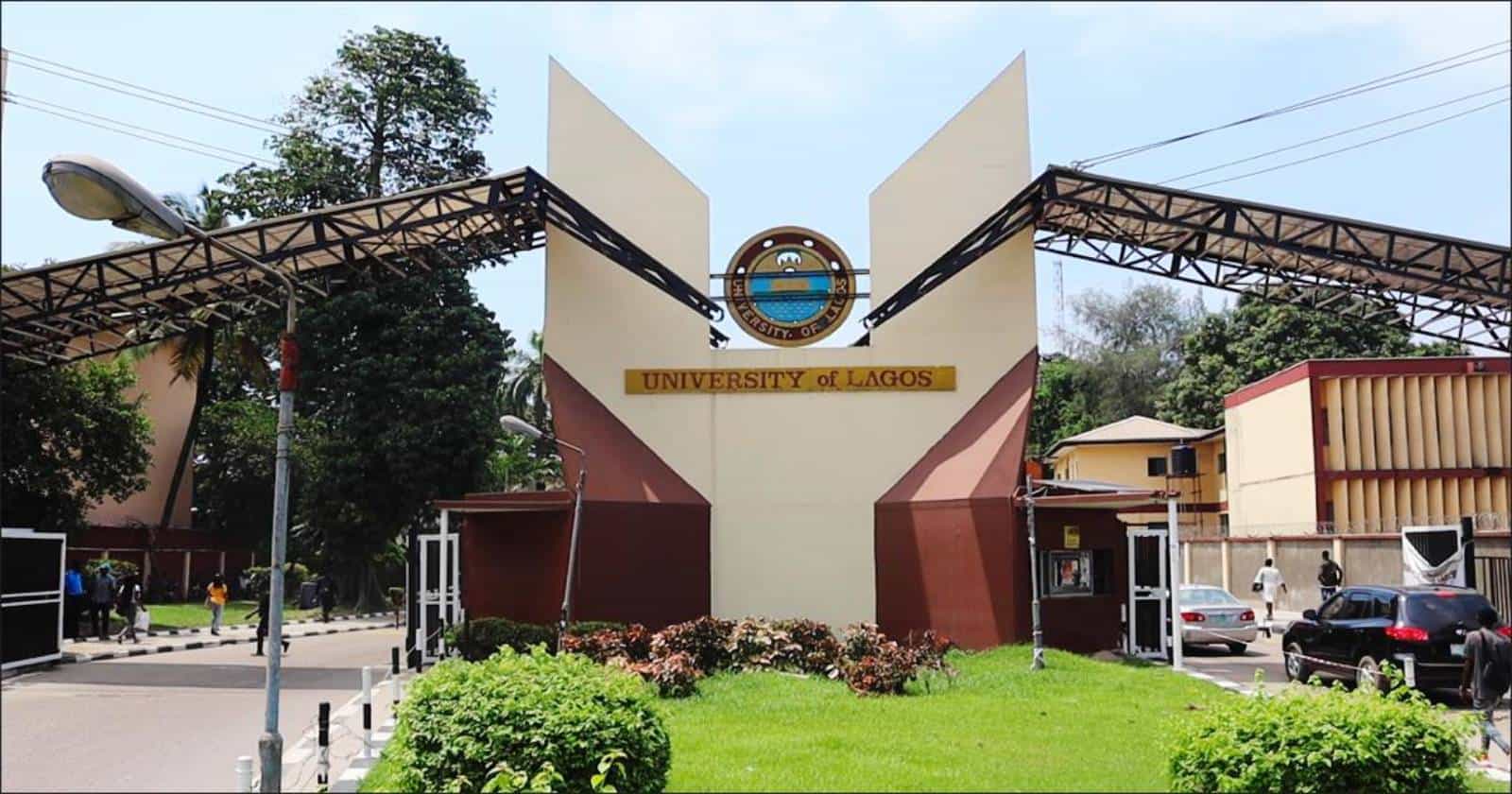
Getting an admission offer from the University of Lagos (UNILAG) is a big win, but it is only the first step. To secure your place, you have to complete several online steps before the stated deadlines: accepting the offer, paying the acceptance fee, uploading your documents for screening and applying for a hostel bed space.
Miss one of these and you could delay your clearance or lose your admission. This guide walks you through each step and the portal you need for it.
UNILAG admission and hostel portals at a glance
Bookmark these before you begin:
| Purpose | Portal |
|---|---|
| Admissions and Post-UTME | admissions.unilag.edu.ng |
| Hostel accommodation | hostel.unilag.edu.ng |
| Freshers screening clearance | Through your individual applicant portal, once your admission status is confirmed |
There is no separate website for screening clearance. You access it from your applicant portal after your admission is confirmed.
Step 1: Check your UNILAG admission status
Start at the admissions portal and confirm that your name appears on the official UNILAG admission list. Then log in to the JAMB CAPS portal and accept the admission offer.
Accepting on CAPS matters. Without it, your admission may not be processed, even if you see your name on the school’s list.
Step 2: Pay your UNILAG acceptance fee
Once you have accepted your offer, log in to your applicant portal and generate your acceptance fee invoice. Payment is made through Remita.
Keep your Remita Retrieval Reference (RRR) and your payment receipt. You may need them later if the system doesn’t update your payment status promptly.
Step 3: Upload your screening documents
Next comes document verification. Upload clear scans of the following to your portal:
- Your O’Level results
- Your JAMB result slip
- Your birth certificate
- Your reference letter
Make sure each scan is legible and each file is uploaded in the right place. Blurry or mislabeled documents are a common cause of screening delays.
Step 4: Apply for UNILAG hostel accommodation
After your matriculation number has been generated, log in to the hostel portal at hostel.unilag.edu.ng during the announced ballot window to secure a bed space.
Two things to remember:
- You need your matriculation number first. The hostel portal won’t be useful until it has been generated.
- The ballot window is time-limited. UNILAG announces the dates, so watch the official channels closely.
Tips to complete your UNILAG clearance without stress
- Monitor the official channels. Admission and screening deadlines are announced on the portals and the university’s official platforms, so check regularly.
- Prepare your documents early. Scan your results, JAMB slip, birth certificate and reference letter before screening opens.
- Use a stable internet connection. Payment and upload pages can time out, and a failed upload is easy to miss.
- Beware of scams. Pay only through official Remita invoices generated from your own portal, and never share your login details with anyone.
- Back everything up. Keep digital copies of your payment receipts, admission letter and uploaded documents.
Frequently asked questions
Where do I check my UNILAG admission status?
Use the admissions portal at admissions.unilag.edu.ng, and accept your offer on the JAMB CAPS portal.
How do I pay the UNILAG acceptance fee?
Generate the invoice from your applicant portal and pay through Remita.
Where do I apply for UNILAG hostel accommodation?
At hostel.unilag.edu.ng. Log in with your matriculation number during the announced ballot window.
Can I apply for a hostel before getting my matriculation number?
No. The hostel application opens only after matriculation numbers are generated.
Where do I upload my screening documents?
Through your individual applicant portal, once your admission status has been confirmed.
The UNILAG clearance process is simple if you take it one step at a time: confirm your admission, accept on CAPS, pay the acceptance fee, upload your documents and apply for your hostel when the ballot opens. Stay alert to announcements and keep your records organized, and you’ll be ready to resume as a UNILAG fresher.
Follow us on Social Media