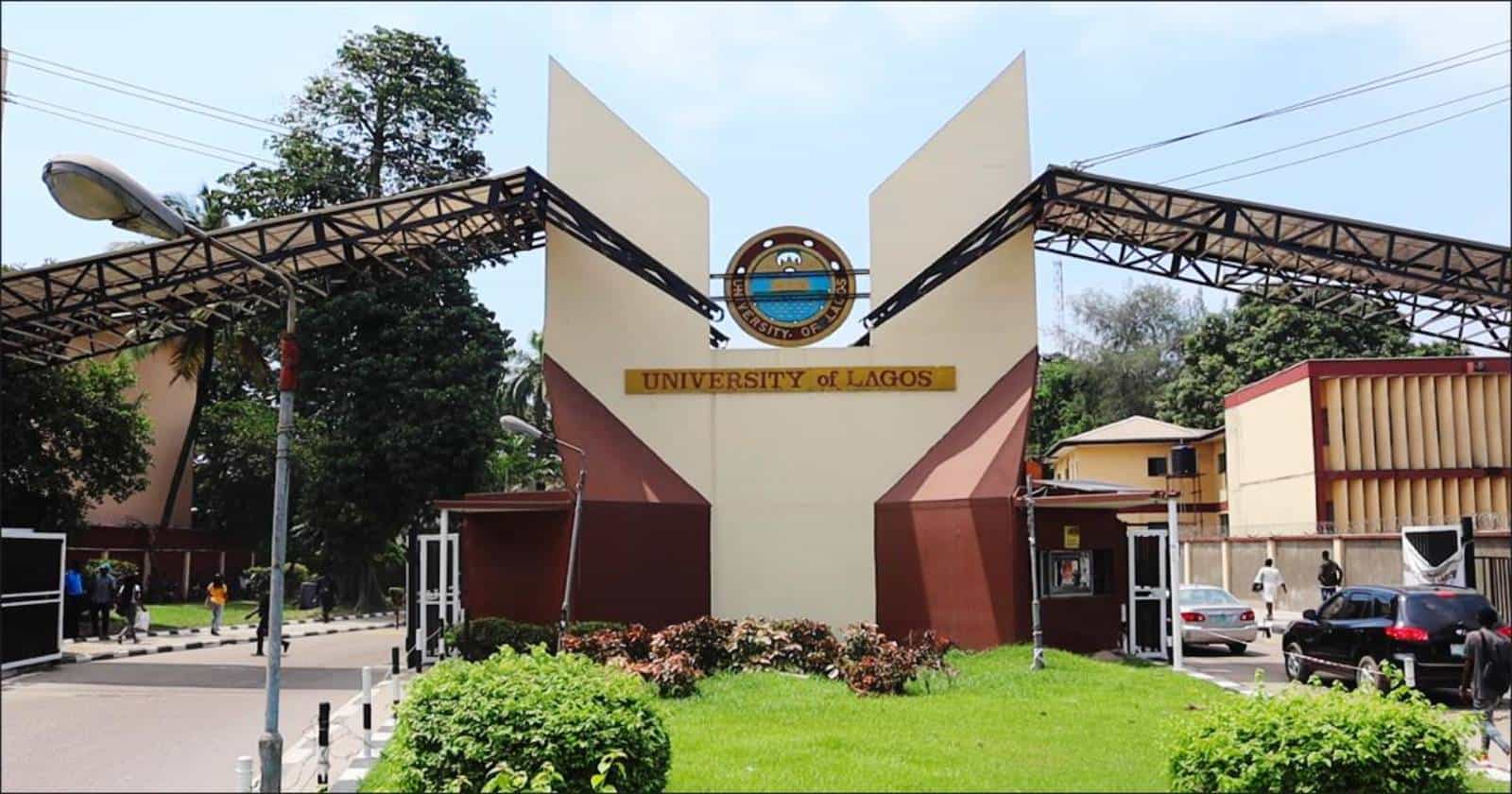
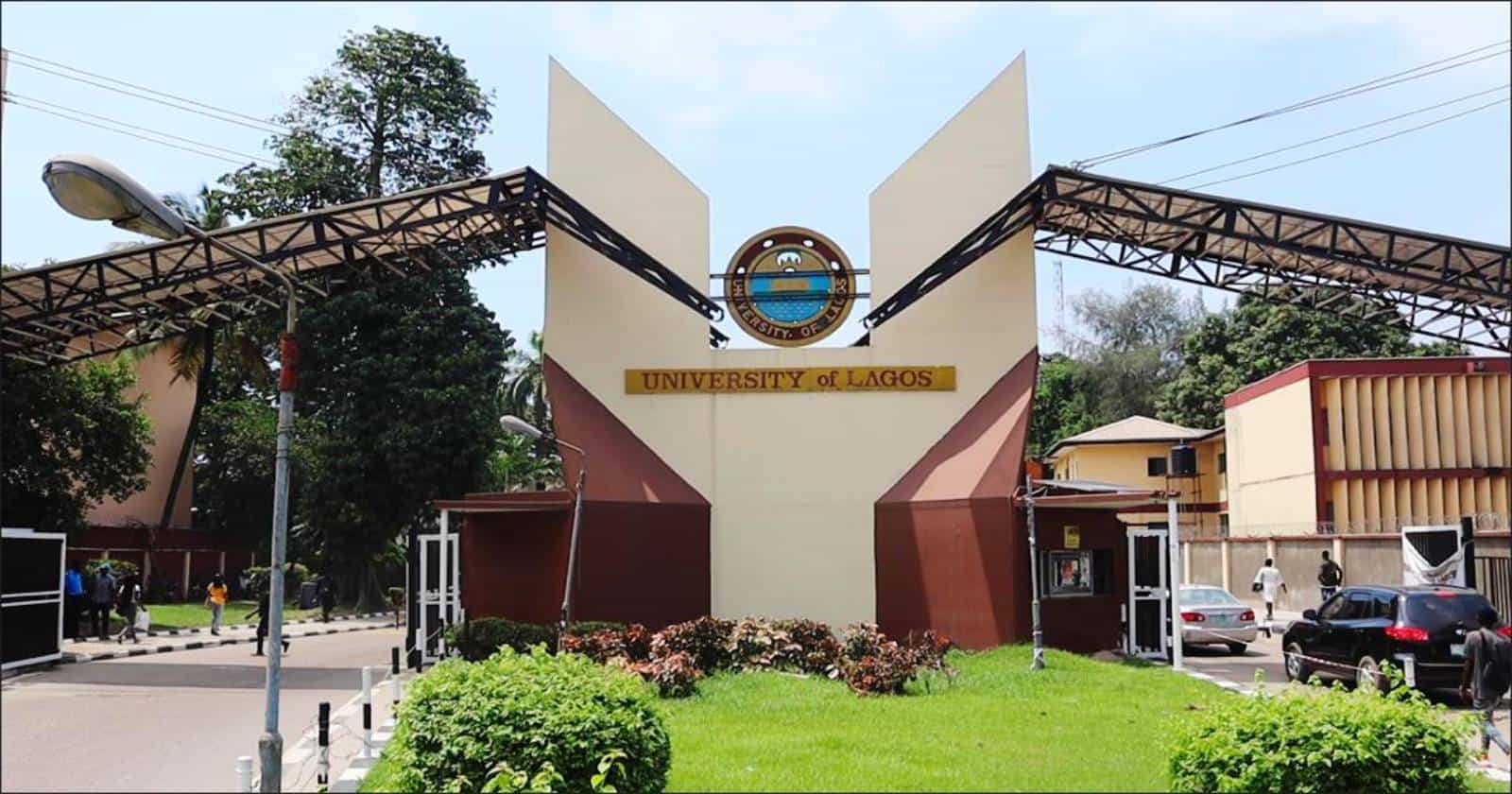
Not every University of Lagos (UNILAG) student uses the same portal. Postgraduate students and distance learners have their own dedicated platforms, separate from the undergraduate system. If you are applying for a master’s or PhD, or studying through the Distance Learning Institute, knowing which portal to use will save you time and confusion.
This guide covers the two portals, what you can do on each, and a full directory of UNILAG’s online platforms.
UNILAG School of Postgraduate Studies (SPGS) portal
Portal URL: spgs.unilag.edu.ng
The School of Postgraduate Studies (SPGS) manages academic administration for postgraduate students. On the SPGS portal, you can:
- Apply for postgraduate admission by completing the PG admission forms
- Check screening exam schedules for your programme
- Complete postgraduate course registration each session
- Submit your master’s or PhD thesis and track its progress
- Request postgraduate transcripts
If you are a prospective or current postgraduate student, bookmark this portal. It is where most of your academic administration will happen, from your first application to your final thesis submission.
UNILAG Distance Learning Institute (DLI) portal
Portal URL: dli.unilag.edu.ng
The Distance Learning Institute (DLI) serves students who study flexibly rather than on a full-time campus schedule. On the DLI student portal, you can:
- Download distance learning modules and study materials
- Log in to your DLI student dashboard
- Register for weekend residential programmes
- Get academic transcript support specific to DLI students
DLI transcript support: DLI students who need help with transcripts can contact dlirecords@unilag.edu.ng. Because DLI records are handled separately, use this contact rather than the general records channel.
SPGS vs DLI: which portal is yours?
| SPGS | DLI | |
|---|---|---|
| Who it is for | Master’s and PhD students and applicants | Distance learning students |
| Portal | spgs.unilag.edu.ng | dli.unilag.edu.ng |
| Key services | PG admissions, thesis submission, PG course registration | Module downloads, residential registration, student dashboard |
| Transcript requests | Through the SPGS portal | Via dlirecords@unilag.edu.ng |
Directory of UNILAG online portals
Here is every major UNILAG portal in one place:
| Portal category | Official web address | Primary use |
|---|---|---|
| Records and transcripts | records.unilag.edu.ng | Transcripts (WES, official, student copy) and proficiency letters |
| Undergraduate portal | studentportal.unilag.edu.ng | Course forms, school fees receipts, semester results |
| LMS portal | lms.unilag.edu.ng | E-learning, lecture notes, online tests |
| Postgraduate (SPGS) | spgs.unilag.edu.ng | PG admissions, thesis tracking, PG portal login |
| Distance learning (DLI) | dli.unilag.edu.ng | DLI course registration and student dashboard |
| Technical support | citssupport@unilag.edu.ng | Password resets, portal login errors, matric number recovery |
Having trouble logging in?
Portal problems are common, especially during registration and results periods. For password resets, login errors or matriculation number recovery, email citssupport@unilag.edu.ng.
To get a faster response:
- Include your full name and matriculation number (if you have one)
- Name the portal you are trying to access
- Describe the error message you see, or attach a screenshot
- Be patient during peak periods, when support is busy
Tips for using UNILAG portals
- Use the right portal. Postgraduate and DLI students should not use the undergraduate portal for their records.
- Bookmark the official links. Typing the address directly helps you avoid fake lookalike sites.
- Never share your login details. UNILAG staff will not ask for your password.
- Keep digital copies. Save receipts, registration confirmations and submission acknowledgements.
- Act early on deadlines. Registration and thesis submission windows close, and late fixes can be stressful.
Frequently asked questions
What is the UNILAG SPGS portal used for?
It handles postgraduate admission forms, screening schedules, course registration, thesis submissions and postgraduate transcript requests.
What is the link to the UNILAG DLI portal?
The DLI student portal is at dli.unilag.edu.ng.
Where do DLI students request transcripts?
Contact dlirecords@unilag.edu.ng for DLI-specific transcript support.
Where do I check semester results as an undergraduate?
Use the undergraduate portal at studentportal.unilag.edu.ng.
Who do I contact if I forget my UNILAG portal password?
Email citssupport@unilag.edu.ng for password resets and login errors.
UNILAG’s portals are organised by student category, so the key is finding the one that matches yours. Postgraduate students belong on the SPGS portal, distance learners on DLI, and everyone else can use the directory above. Bookmark the right links, keep your login details safe, and reach out to technical support when you need it.
Follow us on Social Media